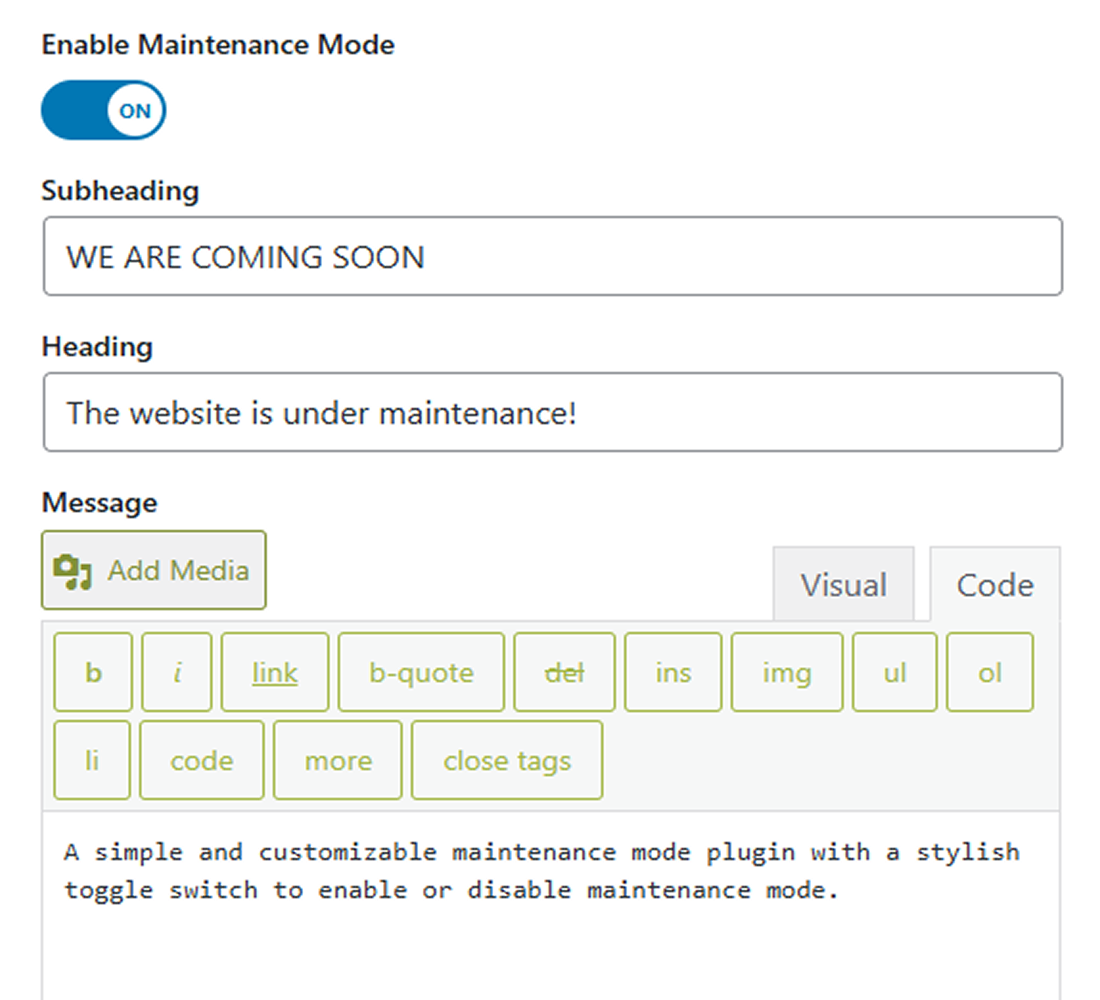
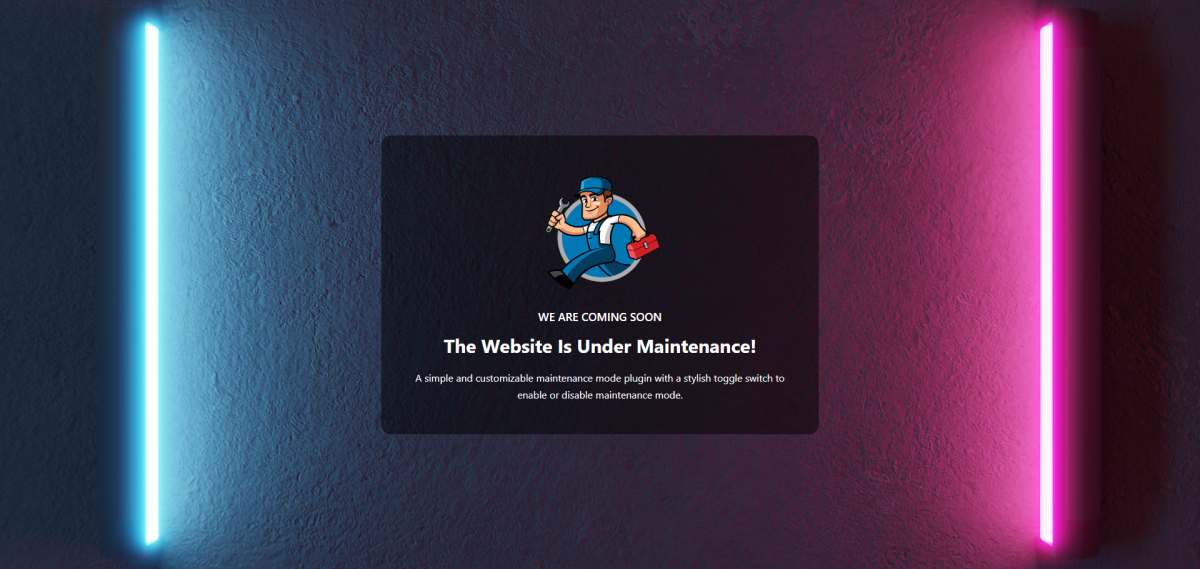
Instantly enable or disable maintenance mode with a single click using the intuitive toggle switch in your admin dashboard. No complex procedures required.
Extremely Lightweight and Fast
This plugin has zero impact on your website’s speed. It doesn’t load any extra CSS or JavaScript files, ensuring your site remains fast and responsive at all times.
SEO Friendly
When maintenance mode is active, the plugin sends the correct 503 Service Unavailable header to search engines.
Full Access for Administrators
While the site is in maintenance mode for regular visitors, logged-in administrators can still access and work on the full website as if it were live.
Zero Configuration
There’s no complicated settings page to navigate. Simply activate the plugin, flip the toggle, and it works instantly. It’s designed to save you valuable time.
Secure and Reliable
The plugin follows WordPress Coding Standards and uses the native wp_die() function to display the maintenance page, making it completely secure and compatible with all themes.
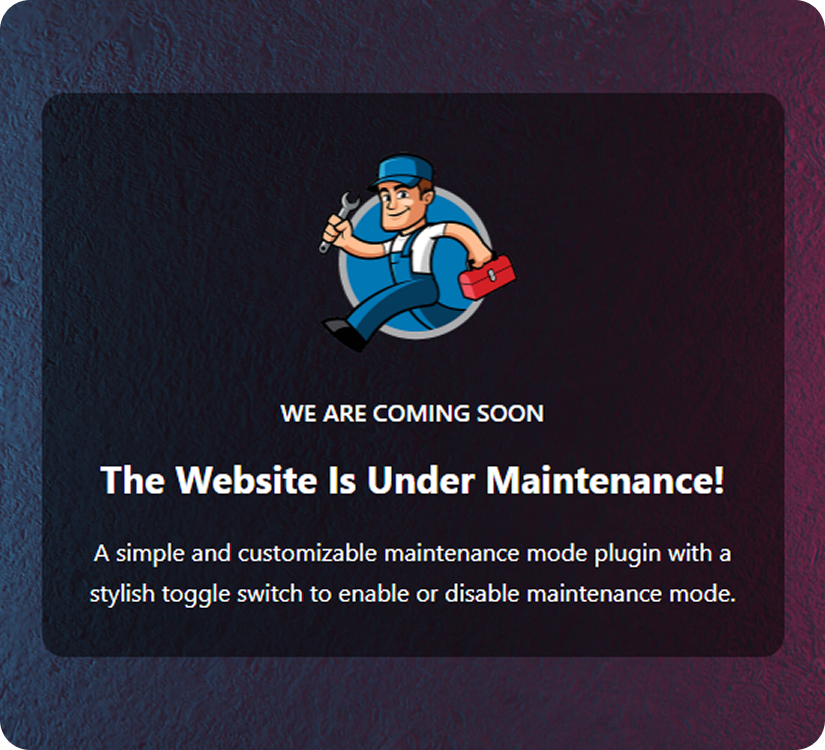
Start your new site the right way! With a Coming Soon page.
Only administrators (`manage_options` capability) can see the site when it’s enabled.
Will it affect my site’s SEO?
When maintenance mode is active, the plugin sends a `503 Service Unavailable` HTTP header with a `Retry-After` header to inform search engines that this is temporary.
Can I customize the maintenance page?
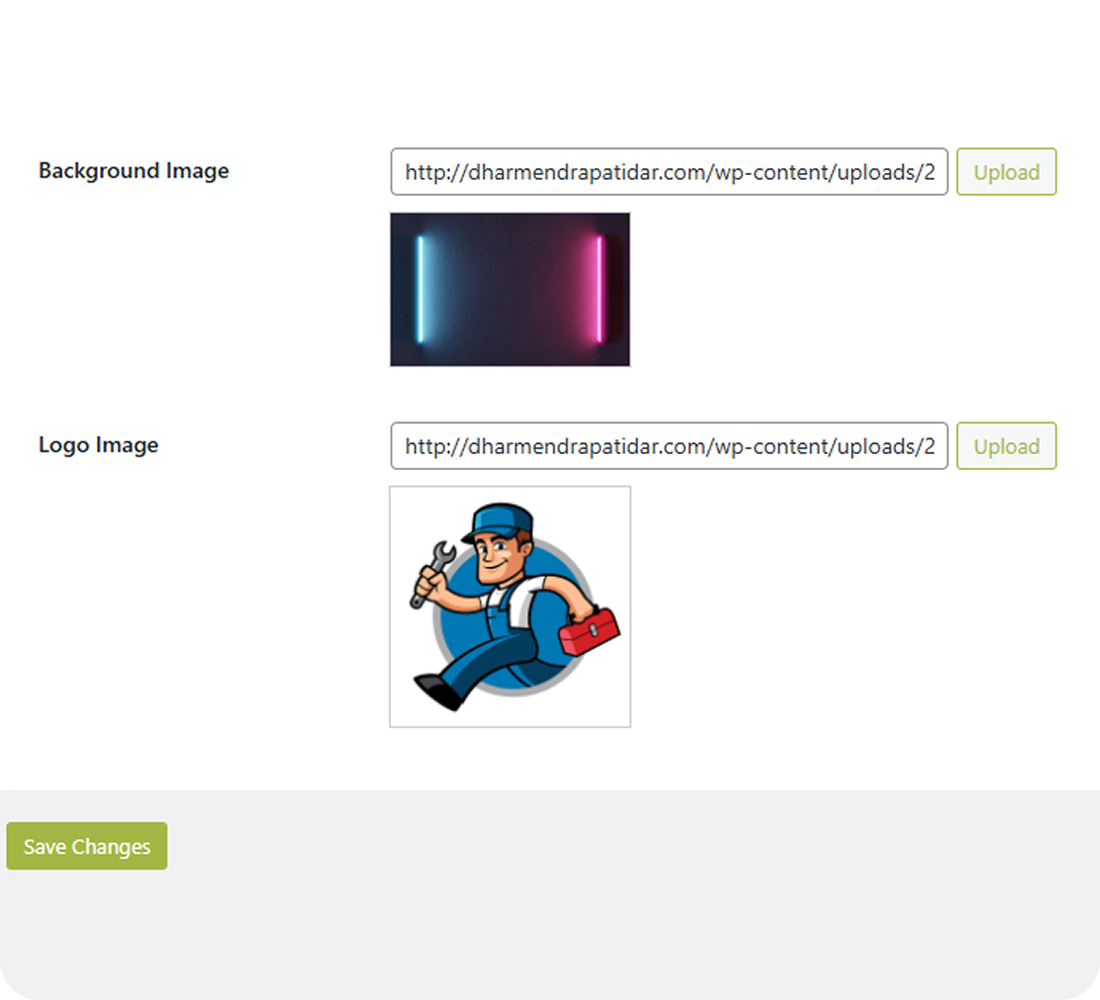
Yes, you can add your own heading, subheading, message, and upload background/logo images directly from the plugin settings.
Does it work with any theme?
Yes, Lite Maintenance Mode works independently of your theme, so it will function with any WordPress theme.
Will my logged-in users see the maintenance page?
No. Only administrators will see the live site when maintenance mode is enabled. All other users (including logged-in subscribers/editors/authors) will see the maintenance page.
Is it lightweight?
Yes, the plugin is designed to be minimal and performance-friendly with no extra load on your website.